December often exposes the same communications problem. Operations has one version of the holiday schedule, customer support has another, social is drafting a cheerful post with no service details, and someone remembers the website banner only after customers start asking why no one is replying.
A strong holiday announcement template fixes more than wording. It aligns teams, sets expectations early, and prevents the small gaps that turn into missed orders, frustrated employees, and messy follow-up. The best version isn't a single email. It's a coordinated kit that carries one clear message across email, press release, social posts, website banners, and internal notices.
Table of Contents
- Why a Coordinated Holiday Announcement Matters
- Essential Elements of Any Holiday Announcement
- Your Multi-Channel Holiday Announcement Template Kit
- Adapting Your Announcement for Your Industry
- Perfecting Your Timing and Distribution
- Holiday Announcement Mistakes to Avoid
Why a Coordinated Holiday Announcement Matters
Most holiday communication fails before the first message goes out. The problem usually isn't tone. It's fragmentation. HR is thinking about paid holidays and floating days. Customer support is focused on response coverage. Marketing wants a warm seasonal message. Leadership wants the brand to look composed and thoughtful.
When those pieces aren't coordinated, audiences receive mixed signals. A customer sees “Happy Holidays” on social, but the website doesn't mention reduced support hours. Employees hear that the office is closed, but no one explains who handles urgent requests. Partners assume normal turnaround times because no one told them otherwise.
One message across every channel
A useful holiday announcement template acts like a master brief. It gives every team the same source language for dates, service impact, urgent contacts, and return-to-normal timing. That consistency matters because each channel has a different job.
- Email handles detail and direct instruction.
- Social media reinforces awareness.
- Website banners catch last-minute visitors.
- Press releases help formalize public-facing schedule changes when wider visibility matters.
Practical rule: If a customer can read any two of your holiday notices and find a contradiction, the system is broken.
Calm operations look professional
Holiday messaging also signals whether an organization is in control. A tight announcement makes the shutdown feel intentional. A vague one makes the same shutdown feel accidental.
That distinction affects morale too. Employees don't want to decode policy language in the final week of the year. Customers don't want to guess whether anyone is available. A coordinated plan removes that friction. It also gives communications teams a clean operating rhythm instead of a last-minute scramble across Canva, email tools, CMS banners, and support macros.
Essential Elements of Any Holiday Announcement
A holiday announcement template only works if it answers the questions people have. Most readers aren't looking for festive language first. They want certainty. Are you open, closed, partially staffed, or delayed? Who should they contact if something can't wait?
Templates for holiday closing notices consistently stress precise closure and reopening dates, plus clear instructions for urgent matters and delayed responses, including options like designating a contact person, sharing a mobile number only for exceptional situations, or asking senders to mark urgent emails with “URGENT” in the subject line, as outlined in Inspirus holiday season email template guidance.
What every message must include

The essentials are simple, but many teams still leave one out.
- Exact dates and times. “Closed for the holidays” isn't enough. State the closure start, end, and reopening time.
- Service impact. Say what changes. Support queue delays, paused shipping, reduced phone coverage, or no impact at all.
- Urgent matter protocol. Name one person, inbox, or method for exception handling.
- Response expectation. Tell senders when they'll hear back if they contact you during the closure.
- Audience relevance. Employees, customers, partners, and media may need different wording.
- Warm closing. Appreciation belongs in the message, but after the operational facts.
A lot of teams also struggle because the core message isn't settled early enough. That's often a broader messaging problem, not a holiday problem. If the brand voice shifts wildly between channels, the underlying issue usually sits in positioning and message discipline. Frameworks that solve marketing message problems can then help communications teams tighten the core narrative before adapting it to each format.
How to keep the message usable
A strong announcement is short, but it isn't skeletal. Readers should be able to scan it and act.
Use this quick test before publishing:
| Element | Weak version | Strong version |
|---|---|---|
| Dates | Closed during the break | Closed from [Day, Date] through [Day, Date]. Reopening on [Day, Date] at [Time] |
| Support | Support may be limited | Support will respond after reopening, except urgent issues sent to [Contact] |
| Urgency | Contact us if needed | For urgent matters, email [Address] with URGENT in the subject line |
| Customer action | Thanks for understanding | Place time-sensitive requests before [Date] |
For public-facing announcements, structure matters as much as content. Teams that need a formal external notice can borrow standard news formatting from this guide to the key elements of a well-written press release. It helps keep the message factual, readable, and easy for partners or local media to reuse.
The holiday message should answer operational questions first. Cheer comes after clarity.
Your Multi-Channel Holiday Announcement Template Kit
A practical holiday announcement template kit should be built once, then adapted. Twilio's guidance on holiday employee email strategy emphasizes three essential phases: segmentation, alignment with company values, and timing, with an initial send 1–2 weeks before the holiday plus a 1–2 day reminder for strong engagement in major markets, according to Twilio's holiday email guidance.
That framework is useful beyond internal email. It works for customers, partners, donors, vendors, and media too.
Email template for customers or partners
Use this when the audience needs the most detail.
Subject: Holiday schedule update from [Business Name]
Hello [Name],
Thank you for working with [Business Name] this year. Please note our holiday schedule:
- We'll be [closed / operating on reduced hours] from [Day, Date] through [Day, Date].
- We'll resume normal operations on [Day, Date] at [Time and Time Zone].
During this period, the following services will be affected:
- [Customer support impact]
- [Shipping or fulfillment impact]
- [Appointments or delivery impact]
For urgent matters, please contact [Name or Team] at [Email / Phone if appropriate]. If using email, include URGENT in the subject line.
Messages received during the holiday period will be reviewed when we return. If your matter is time-sensitive, please contact us before [Date].
Thank you again for your partnership. Wishing you a safe and restful holiday season.
Best,
[Sender Name]
[Title]
[Business Name]
A useful variation is to create one version for active customers and another for vendors or referral partners. The structure stays the same. The service-impact paragraph changes.
Press release template for public distribution
This format works when the closure affects the public broadly, especially for retail chains, community organizations, event venues, clinics, or businesses with high call volume.
FOR IMMEDIATE RELEASE
[Business Name] Announces Holiday Schedule
[City, State], [Date], [Business Name] today announced its holiday operating schedule for [holiday period].
The organization will be [closed / operating on reduced hours] from [Day, Date] through [Day, Date]. Normal operations will resume on [Day, Date] at [Time].
During the holiday period:
- [Location or department] will [be closed / remain available]
- [Support or service line] will [be delayed / remain active for urgent matters]
- Customers with urgent needs should contact [Contact Name, Team, or Inbox]
[Optional quote from company spokesperson, only if the organization provides one directly.]
Customers and partners can find updated service information at [website page].
Media Contact
[Name]
[Title]
[Email]
[Phone]
If the release will be distributed online, add a visual asset or schedule graphic only if it improves clarity. A concise walkthrough on using multimedia in press releases is helpful when deciding whether an image, infographic, or banner screenshot adds value or just clutter.
Social media template for LinkedIn Facebook and X
Social posts should reinforce the schedule, not replace the detailed email or web notice.
LinkedIn / Facebook
Happy holidays from [Business Name]. Please note that we'll be [closed / on reduced hours] from [Date] through [Date], and we'll return on [Date]. If you need assistance before the break, please contact us by [Date]. For urgent issues, reach us at [contact method]. Thank you for your support this year.
X
Holiday hours update: [Business Name] will be [closed / on reduced hours] from [Date] through [Date]. Back on [Date]. Urgent matters: [contact method]. Thank you for your support.
Instagram caption
Holiday schedule update for our community. We'll be [closed / operating on reduced hours] from [Date] through [Date], and back on [Date]. Please plan time-sensitive requests before [Date]. For urgent needs, contact [method]. Wishing everyone a peaceful holiday season.
For hospitality and service brands, the mechanics overlap with arrival, scheduling, and expectation-setting emails. Teams that also manage guest communications may find ideas in these welcome and pre-stay email templates, especially for writing concise service updates without sounding cold.
Website banner and pop-up template
A website notice needs blunt clarity.
Banner version
Holiday schedule: We're [closed / operating on reduced hours] from [Date] through [Date]. Normal service resumes [Date]. Urgent issues: [link or contact method].
Pop-up version
Please note our holiday schedule before submitting your request. [Business Name] will be [closed / operating on reduced hours] from [Date] through [Date]. Requests sent during this period may be answered after [Date]. For urgent matters, contact [method].
Keep the website language tighter than the email. Visitors are usually trying to complete a task, not read a greeting card.
Adapting Your Announcement for Your Industry
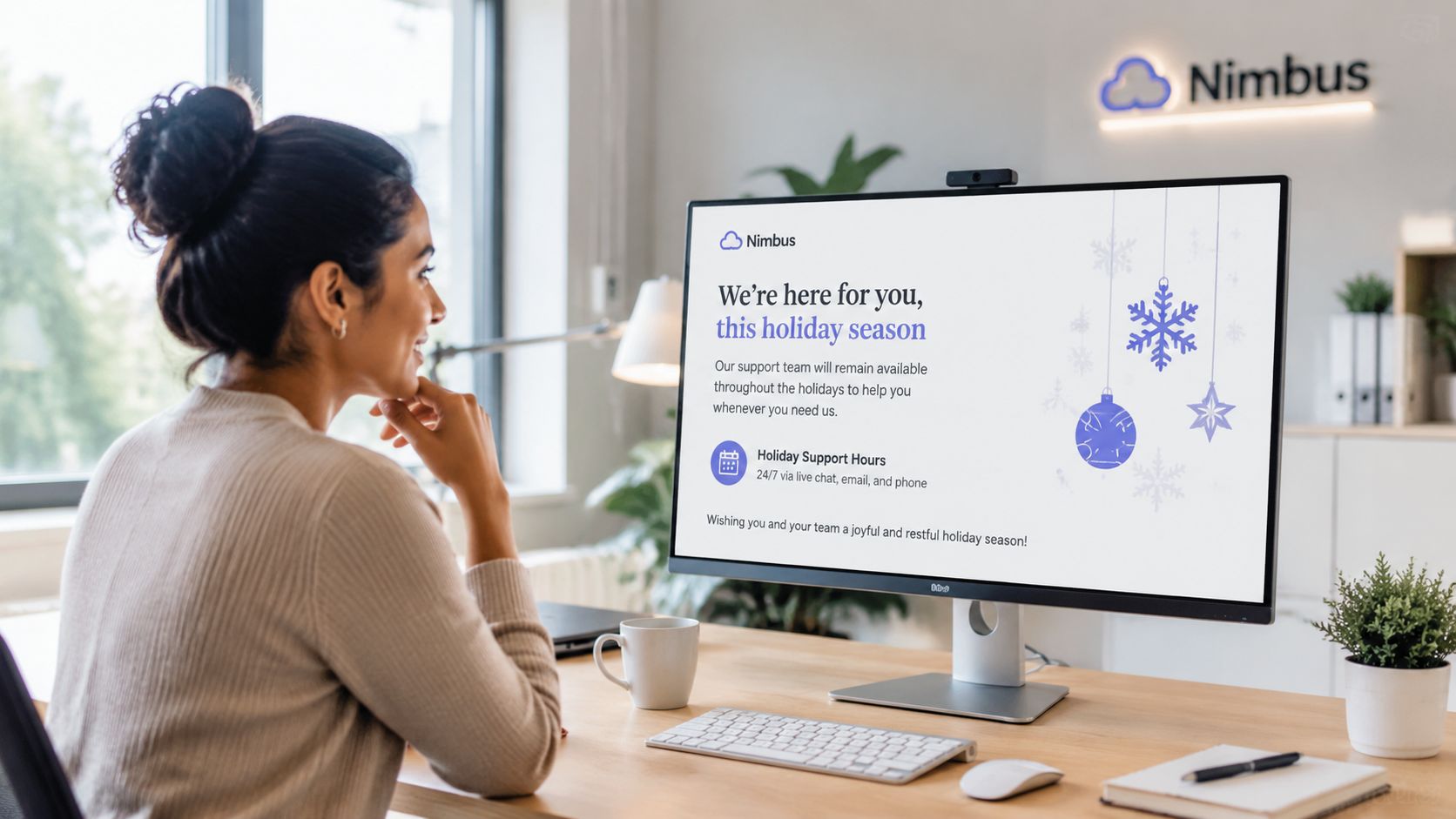
The base holiday announcement template should stay stable. The emphasis should change by industry. That's where many brands slip. They paste the same copy into email, a website banner, and a social graphic, then wonder why the message feels flat or incomplete.
Template.net highlights a real gap in multi-format guidance. It notes that Lob data shows businesses that add QR codes and personalized elements to direct mail see a 35% engagement boost, while many template resources still don't explain how to adapt one core story across channels without losing voice, according to Template.net's discussion of holiday template gaps.
Retail and ecommerce
A retailer's audience cares about hours, order timing, pickup availability, return timing, and customer service delays. The announcement should sound operational first.
A store might use:
- Email for holiday hours, final order reminders, and return guidance
- Instagram stories for fast reminders
- Website banner for same-day clarification
- Printed insert or direct mail with a QR code linking to the full holiday schedule
The narrative stays consistent if every channel answers the same question: what should the customer do before the holiday break?
B2B SaaS and service firms
A SaaS company has a different pressure point. Customers need reassurance about support coverage, account management response times, and service continuity. The wrong move is sounding festive while ignoring uptime or escalation procedures.
A B2B services firm should center its message on:
- Named support channels
- Escalation path for urgent issues
- Whether systems remain live during office closure
- When non-urgent tickets will be reviewed
The audience doesn't need a long holiday message. They need confidence that no critical issue will disappear into a closed inbox.
Nonprofits and community organizations
Nonprofits often combine appreciation with year-end activity. That can work, but only if the operational update stays separate from donation or event messaging.
A nonprofit holiday notice usually needs:
- Office closure dates
- Whether donation processing or hotline support changes
- Volunteer coordination contact
- A distinct thank-you message for donors, volunteers, and partners
The broader lesson is simple. One story, many formats. The website may be direct. Social may be warmer. Direct mail may use a QR code. The promise and facts must still match.
Perfecting Your Timing and Distribution
Timing decides whether a holiday announcement template prevents confusion or creates it. Even a well-written notice fails if it lands after customers have already placed urgent requests or after employees have made assumptions about coverage.
Holiday policies also influence timing. Lattice's holiday policy template notes that companies often maintain 15+ recognized paid holidays annually, may shift observance when holidays fall on weekends, and commonly offer 1–2 floating holidays that require approval through an HRIS system or manager, as described in Lattice's company holiday policy template. That means communications teams can't treat holiday messaging as a single December task. The schedule often depends on policy, staffing approvals, and observed dates.
A practical rollout sequence

A cleaner rollout usually looks like this:
Set the official operating schedule early
Confirm closure dates, observed days, floating holiday impact, and urgent coverage ownership.Build a master message
Lock the approved wording for dates, response times, and escalation contacts.Stage by channel
Publish the website notice before the final rush. Queue email and social reminders around it.Send the reminder close to closure
A short final reminder works better than rewriting the whole announcement.
| Audience | Best use | What they need most |
|---|---|---|
| Employees | Internal email, chat pin, manager note | Coverage rules, approvals, urgent handoff |
| Customers | Email, website banner, auto-responder | Service impact, contact method, response timing |
| Partners and vendors | Direct email | Ordering, billing, delivery, contacts |
| Media or public stakeholders | Press release, newsroom update | Formal dates and public-facing impact |
For public announcements, timing also affects pickup and visibility. Teams distributing formal notices should align with general media timing practices such as those covered in this guide on the best time to send a press release.
Internal and external audiences need different treatment
Internal timing should happen first. Employees need enough lead time to finish handoffs, request approvals, and route urgent issues correctly. External timing should follow once operations confirms what can be supported.
Social distribution needs its own timing discipline too. If a team plans to use short-form video for reminders, posting cadence matters. For brands experimenting with video notices, this reference on the best time to post on TikTok can help shape distribution windows without overloading the same day.
A common mistake is sending one detailed message and assuming the job is done. Repetition matters. Consistency matters more.
Holiday Announcement Mistakes to Avoid
A lot of teams assume that as long as they mention the holiday closure, the communication is good enough. It usually isn't. The weak version creates just enough information to sound complete while leaving readers with the questions that trigger support tickets, Slack messages, and frustrated replies.
Chatix identifies several recurring failures in holiday announcement templates: hard selling lowers engagement by 35%, lack of personalization reduces response rates by 20%, and vague scheduling appears in 60% of failed internal communications campaigns across retail and service sectors, according to Chatix guidance on holiday announcement pitfalls.
The mistakes that create preventable confusion

The most common mistakes are easy to spot once they're named.
- Vague scheduling. “Closed for the holidays” forces the reader to guess.
- Sales-first messaging. A closure notice shouldn't read like a campaign blast.
- Generic copy. Different audiences need different instructions.
- Missing urgency path. If no one knows how to escalate a real issue, the notice failed.
- No response expectation. People need to know when they'll hear back.
- No internal alignment. External polish can't hide internal confusion.
Short and warm works. Short and incomplete doesn't.
A final do and don't list
Do
- State exact closure and reopening details so no one has to interpret the schedule.
- Name the urgent contact path and define when to use it.
- Tailor by audience instead of sending one catch-all message.
- Keep one source of truth across email, banner, social, and internal docs.
Don't
- Don't bury schedule details under holiday greetings.
- Don't turn the announcement into a promotion-heavy message.
- Don't assume employees know the plan without written confirmation.
- Don't publish without checking grammar, links, and date accuracy.
A holiday announcement template should reduce uncertainty. If it leaves room for interpretation, it needs another pass.
Press Release Zen helps teams handle announcement work with less guesswork and fewer formatting errors. For communicators who need practical templates, distribution guidance, and examples for real-world scenarios, Press Release Zen is a useful resource to keep on hand before the next holiday schedule goes live.